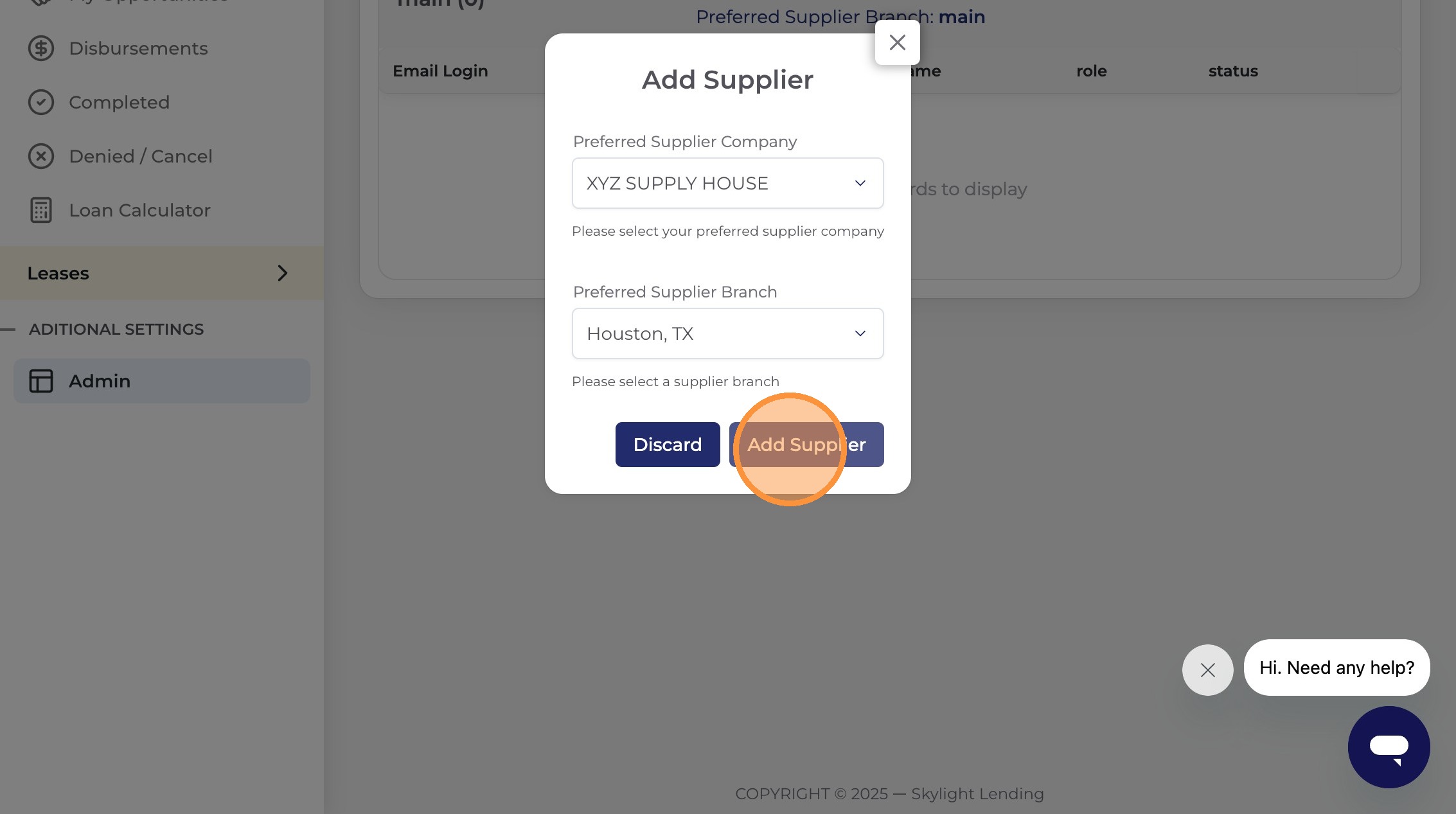
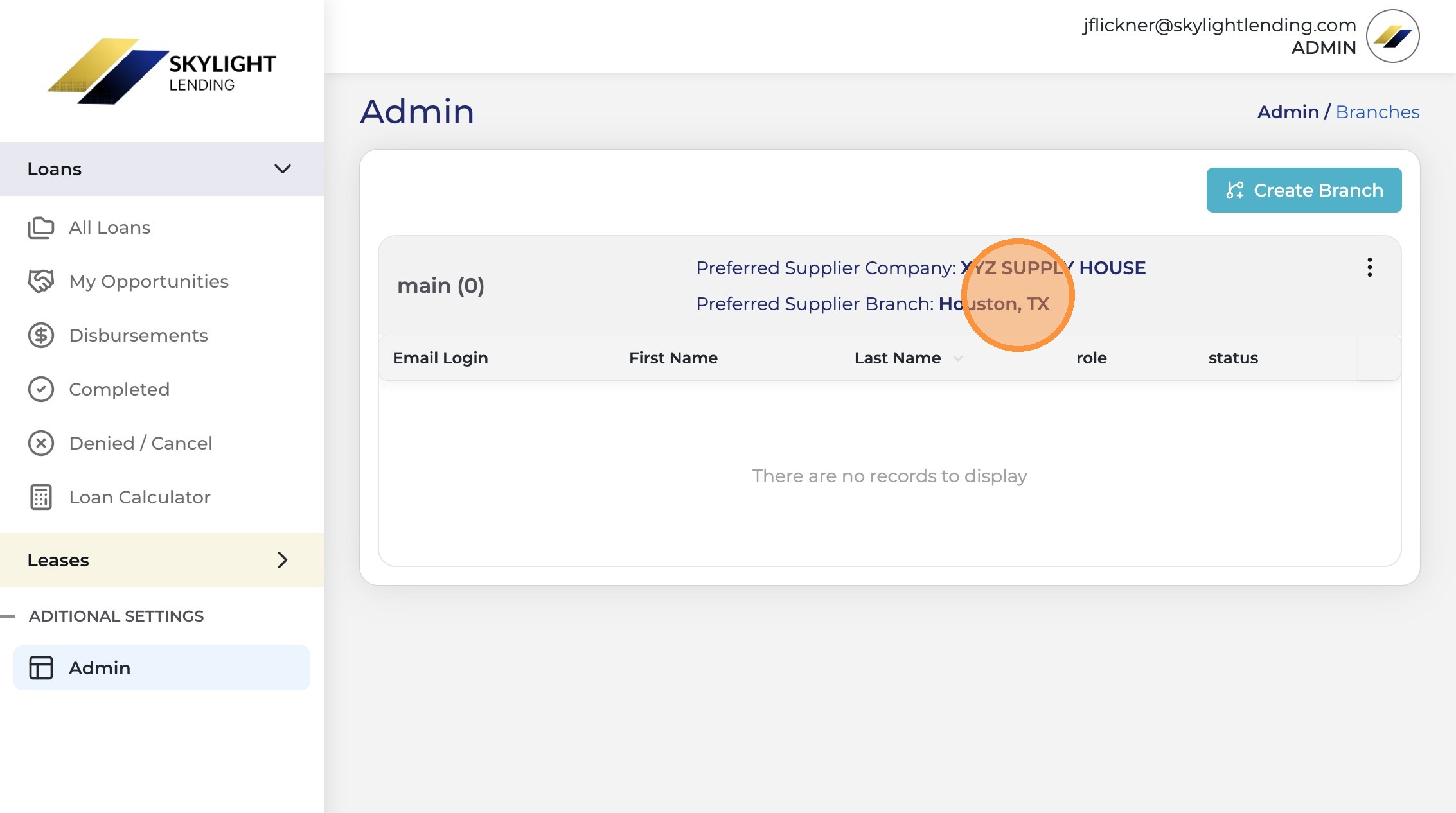
Adding a preferred supplier
to a branch location
Follow this guide to link a preferred supply house to one of your installer branch locations in the Skylight Lending portal — a required step before submitting M1 Direct Pay requests.
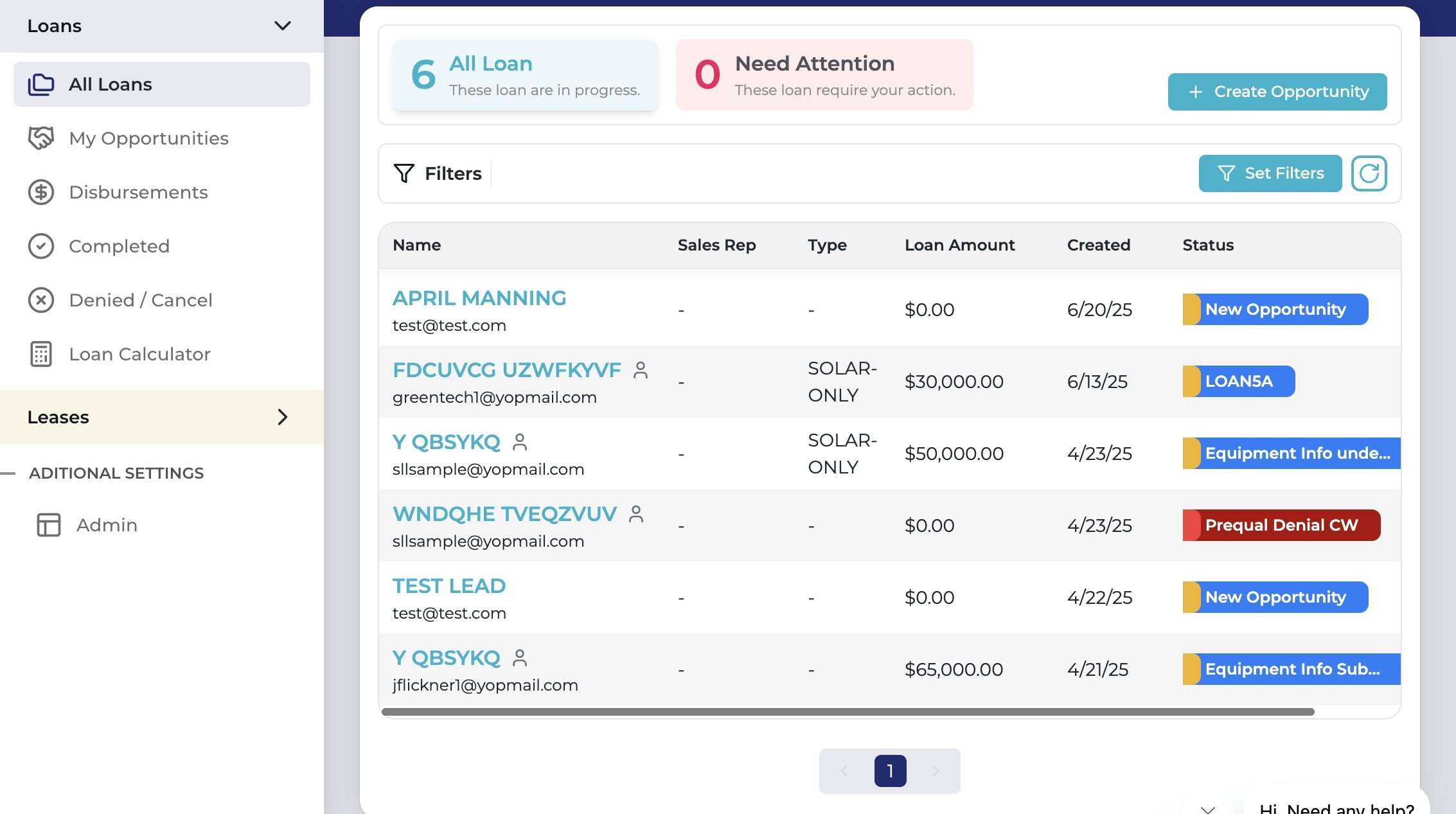
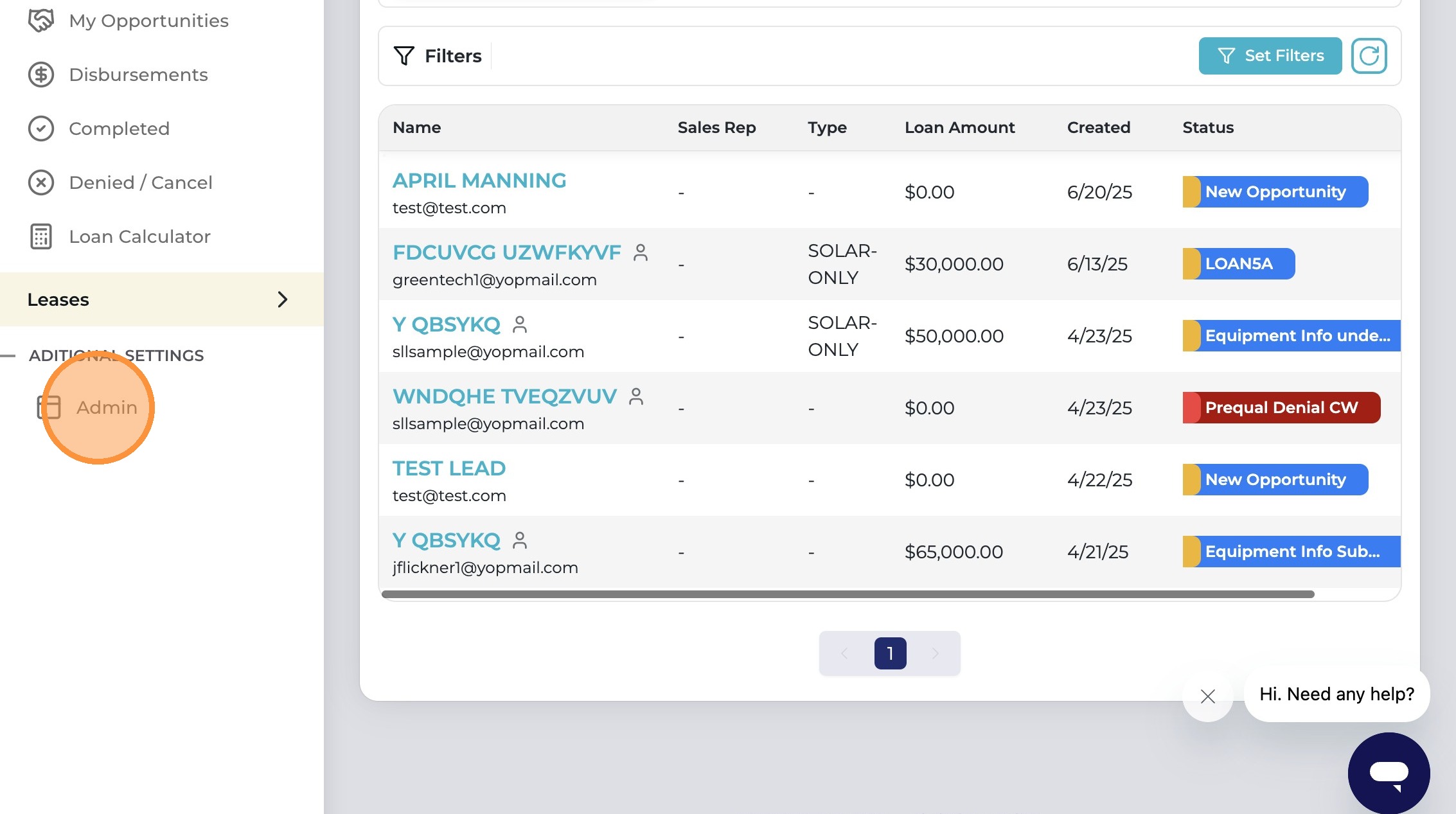
You must have admin-level access to your installer account to add a preferred supplier. If you don't see the "Admin" option in the menu, contact your account administrator or Skylight installer support.
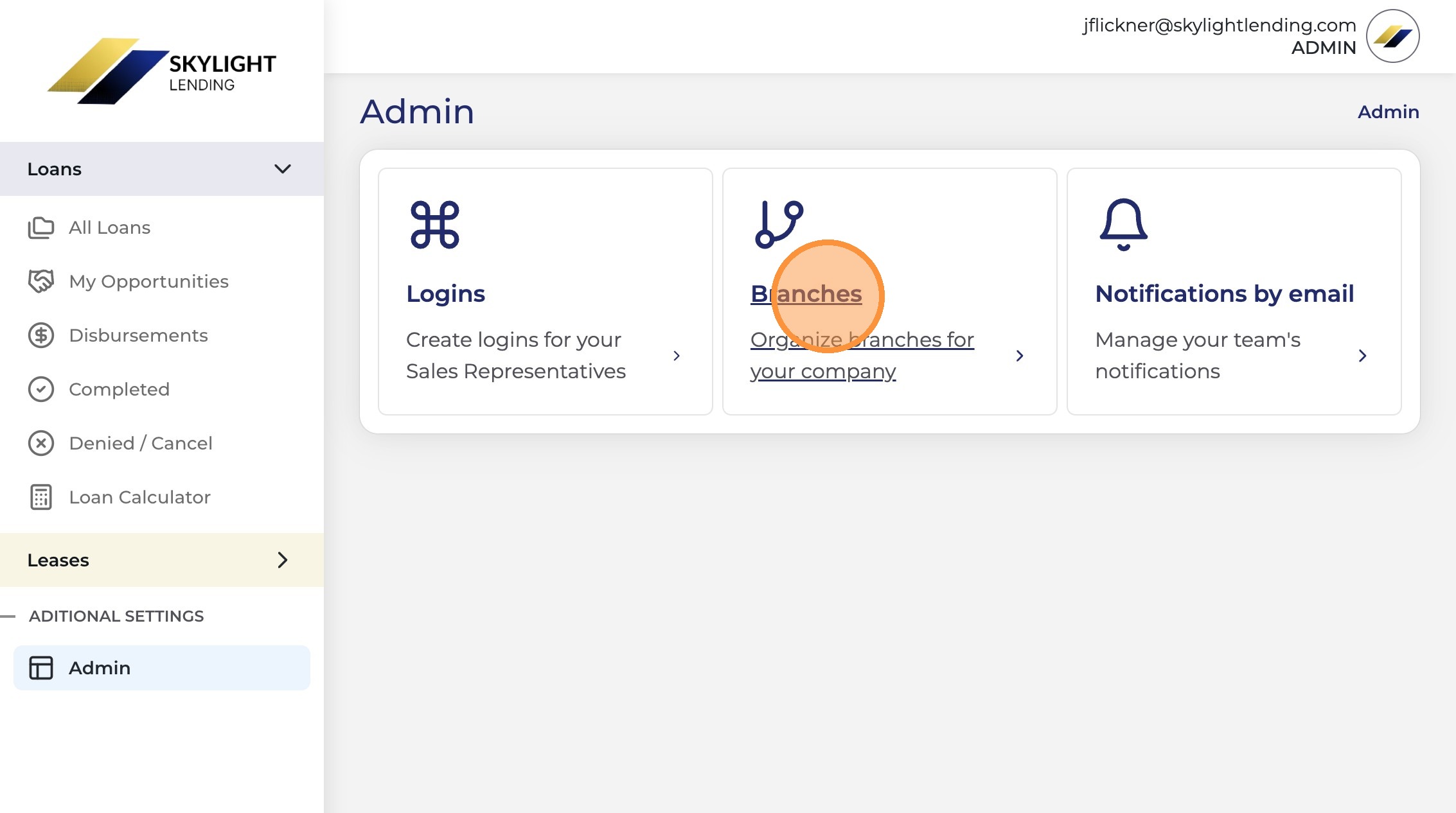
If your company has more than one branch location, you'll need to add the preferred supplier separately for each branch. Repeat this process for every branch location that uses a supply house for equipment purchases.
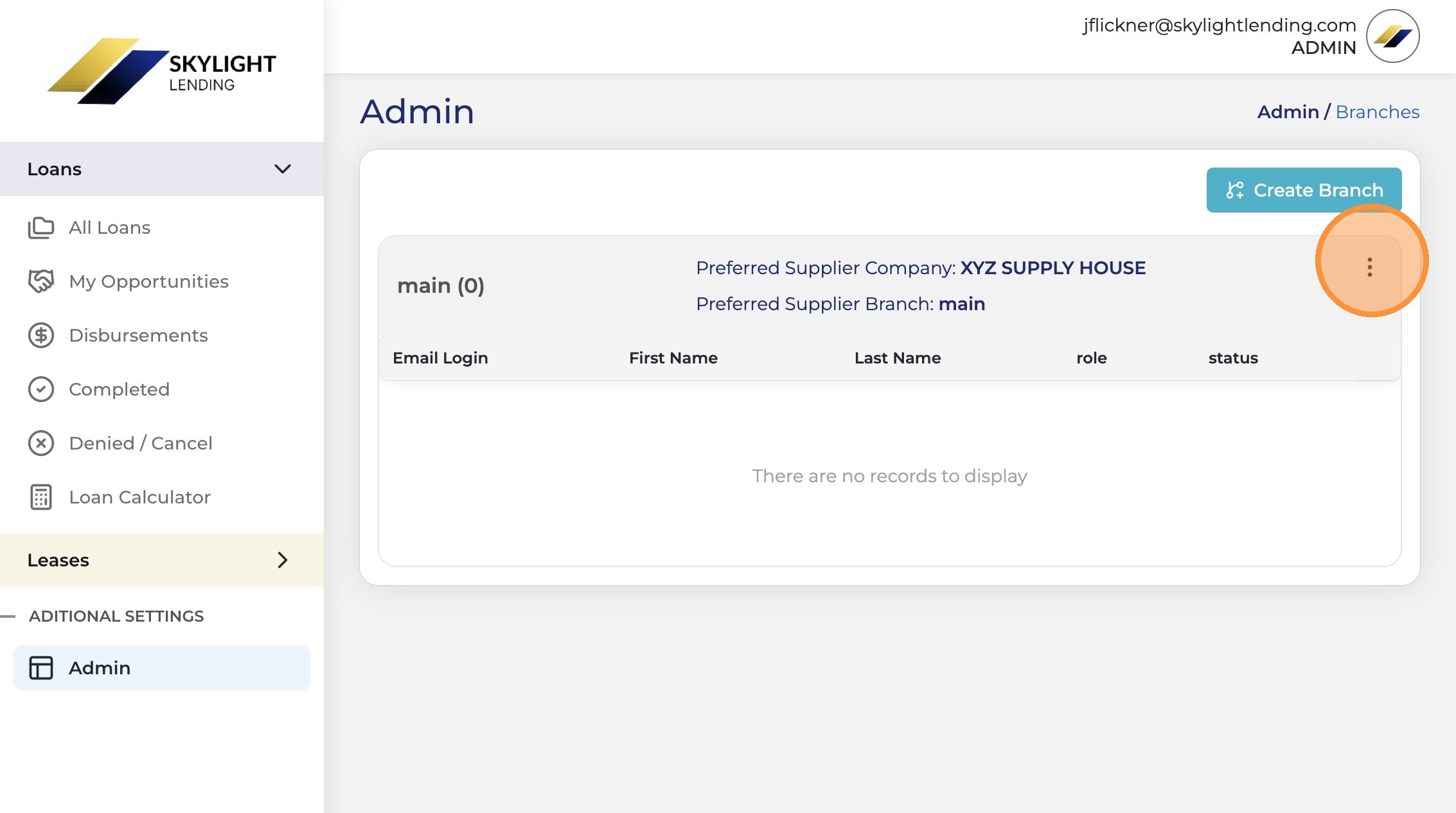
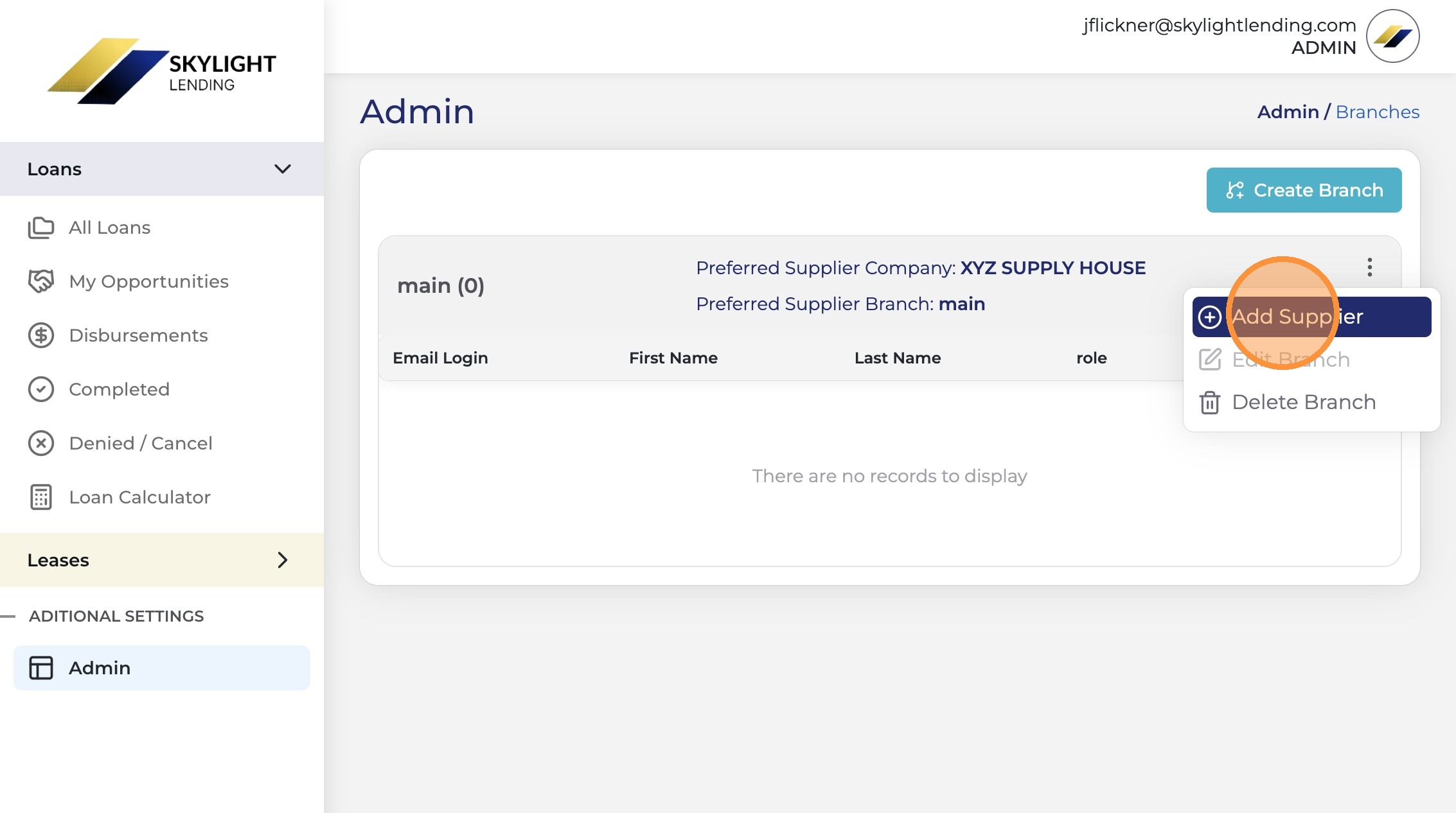
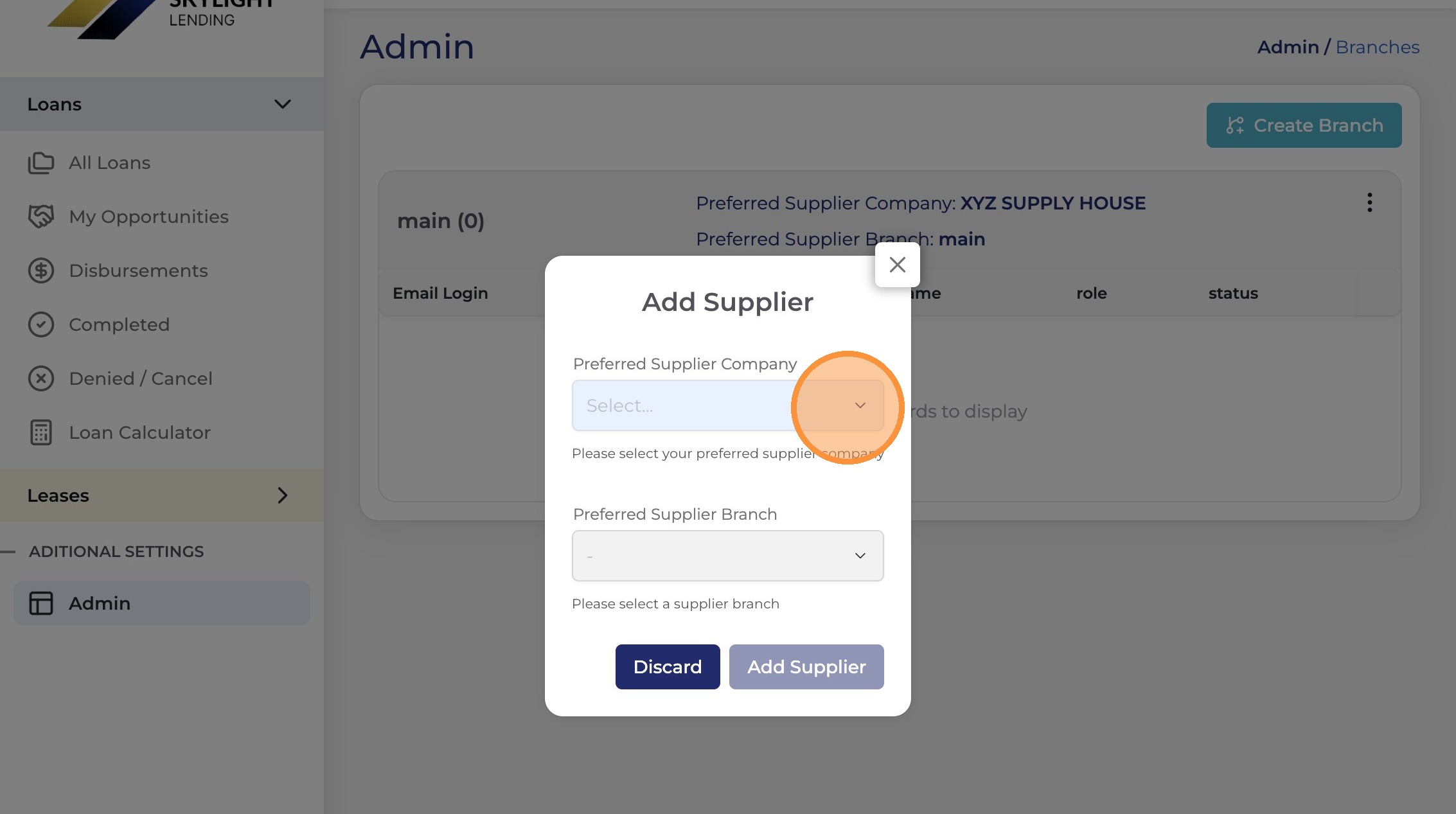
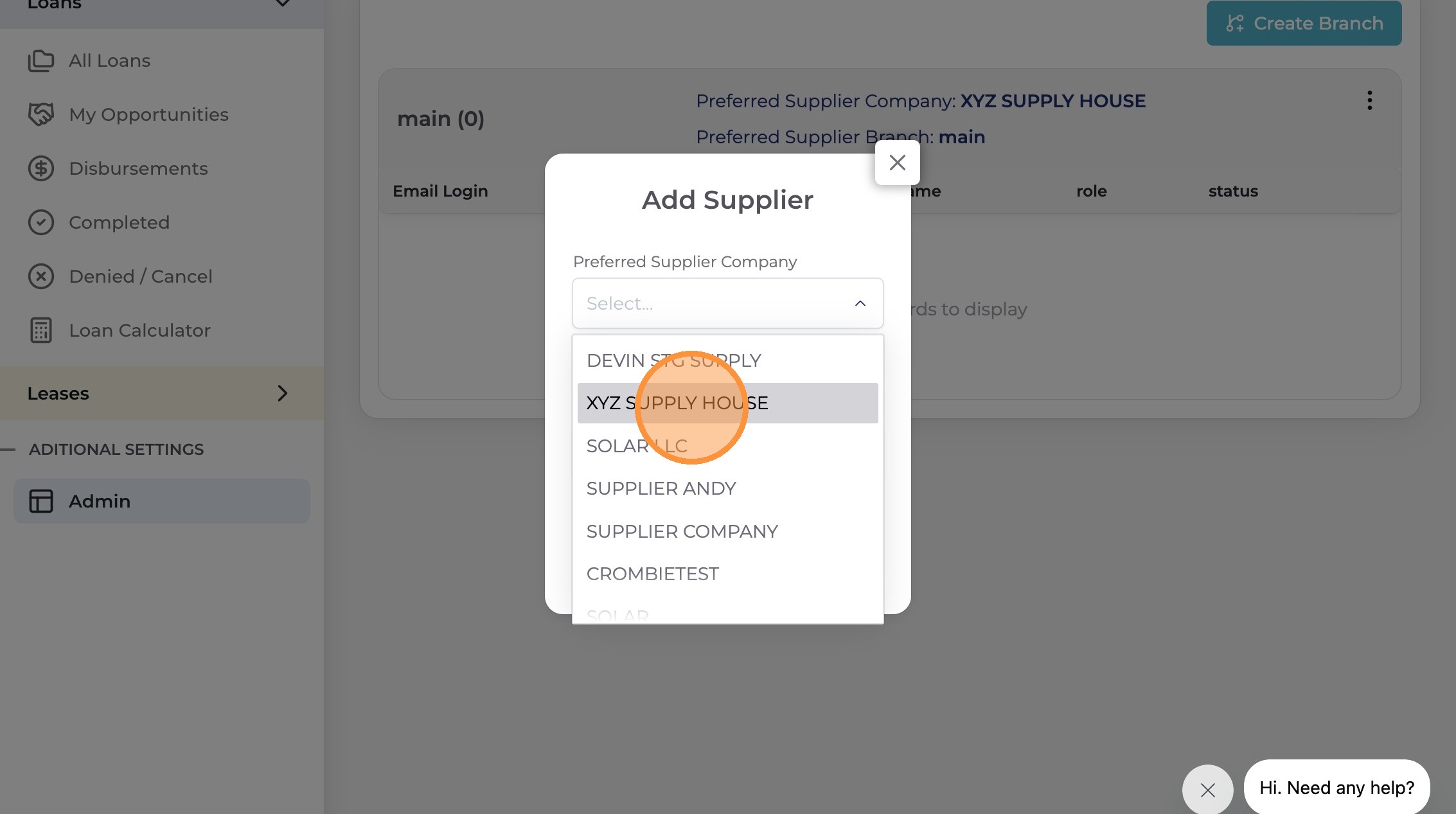
If your supply house isn't listed, it may not yet be set up as a preferred supplier in the Skylight Lending system. Contact Skylight installer support to get your supply house added.
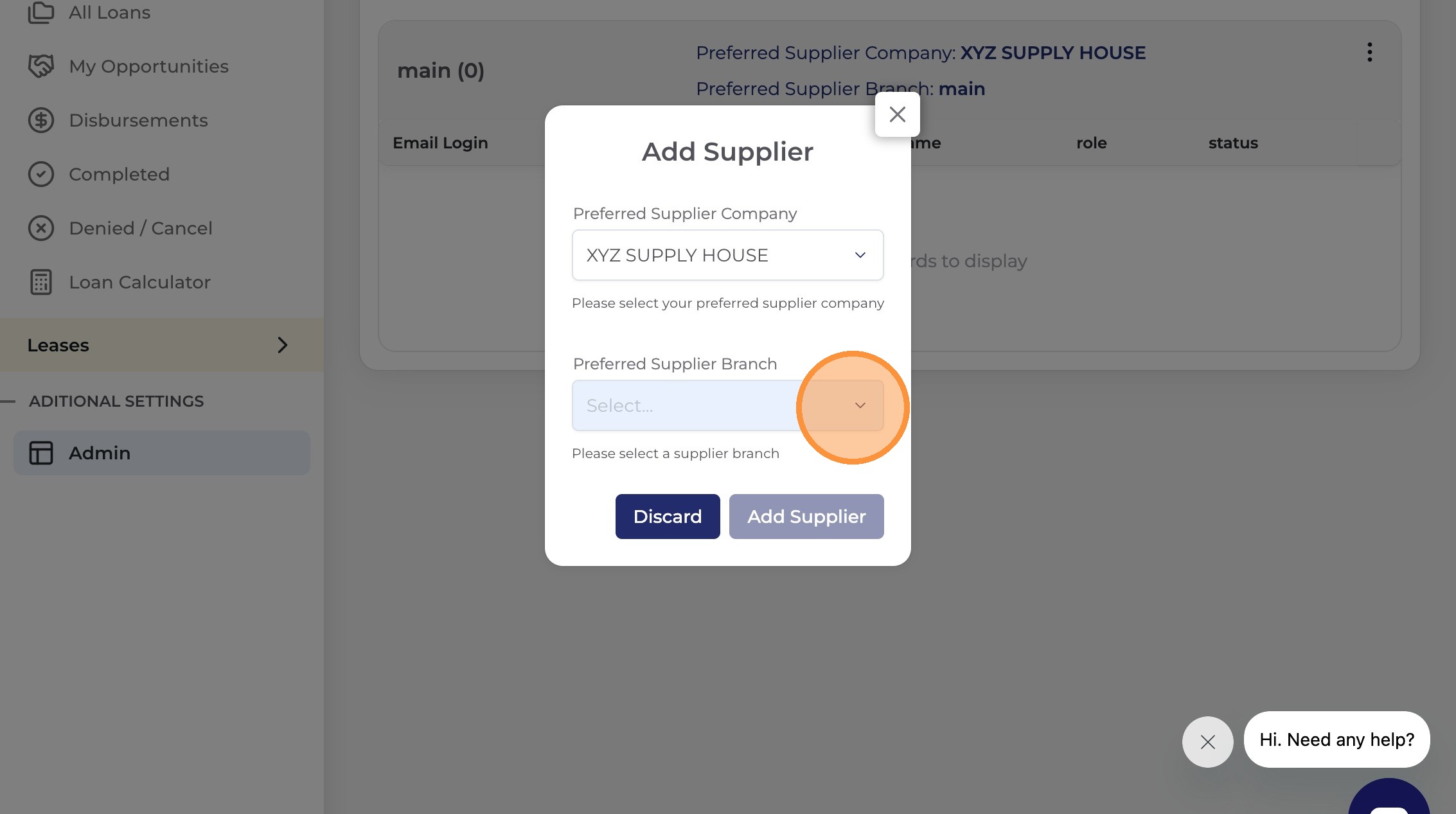
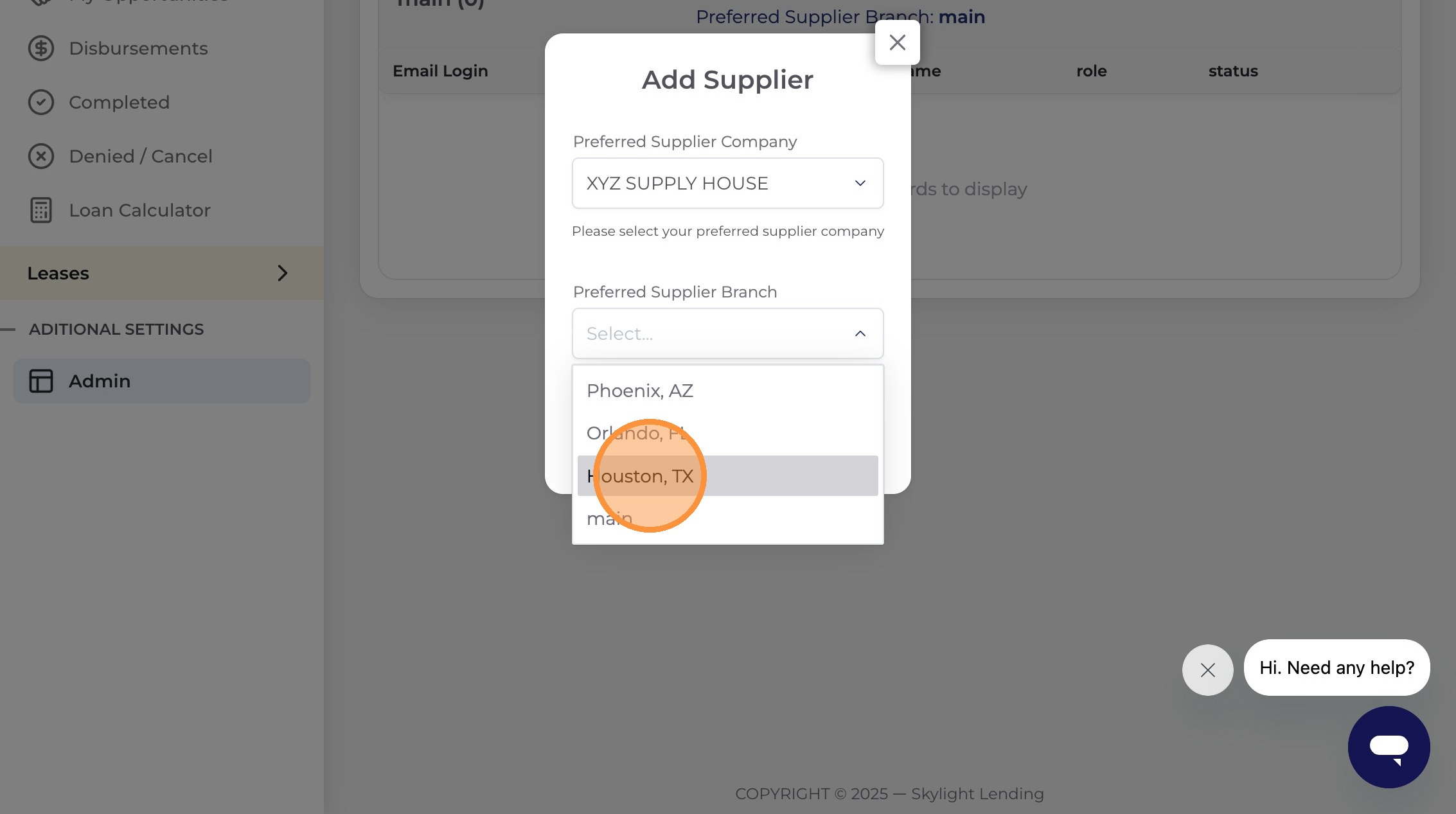
Make sure you select the supply house branch that matches your installer team's account. Choosing the wrong location could result in payment delays or routing issues on your M1 Direct Pay requests.